Run 002 · Oct 19 · 8 tools · 5 models
Bracketfold Make Day: a landing page for a one-day maker meetup
All eight tools are in. Lovable wins Run 002. All outputs captured at 1440 and 390, unedited.
The brief
A single responsive landing page for Bracketfold Make Day, a one day maker meetup, that helps a visitor decide to come and get a ticket.
Required parts · 7
- 1Header with the event name and one "Get a ticket" action
- 2Hero with a headline, a short paragraph, and the given date, hours and venue
- 3Schedule with the five given sessions, easy to scan by time, title and speaker
- 4Three ticket tiers, easy to compare, with the sold out Early bird clearly unavailable
- 5Ticket form (name, email, ticket type, optional note), a "Reserve my ticket" button, and both error states
- 6FAQ with the four given questions and answers
- 7Footer with the venue address, how to get there and a contact email
Full brief · verbatim
Design a single, responsive web page for Bracketfold Make Day, a small, one-day, in-person meetup for people who design and build physical things: furniture, lamps, bags, small electronics. The page has one job: help a visitor decide to come and get a ticket.
Include, in this order:
1. A header with the event name and a single "Get a ticket" action.
2. A hero: one headline, one short paragraph, and these exact facts: Saturday 14 November 2026, 9:30 am–4:30 pm, The Drill Hall, 22 Foundry Row.
3. A schedule with exactly these five sessions:
- 9:30 am: Doors and coffee (no speaker)
- 10:00 am: "Joints you can trust" with Odalys Prenn
- 11:15 am: "Lamps from scrap" with Marek Oduya
- 1:30 pm: "Sewing hardware into soft goods" with Ines Kalvaitis
- 3:00 pm: "Show and fix" open bench, hosted by Juno Halvorsen-Pike and Saoirse Vantongeren
Make the time, title and speaker easy to scan. Lunch (12:15–1:30 pm) is on your own.
4. Tickets, with exactly these three tiers:
- Early bird: $25, sold out
- General: $40, available
- Bench pass: $65, includes a reserved workbench at "Show and fix", 6 left
Make the prices easy to compare. A sold-out tier must look clearly unavailable and must not be selectable.
5. A ticket form: full name, email, ticket type (chosen from the tiers that are still available), and an optional "What are you working on?" note. The submit button reads "Reserve my ticket". Show how the form looks when a required field is left empty and when the email is invalid.
6. An FAQ with exactly these four questions and answers:
- Do I need to bring anything? No. Bench pass holders may bring one small project to work on.
- Is lunch included? No. Coffee is free all day; lunch is on your own.
- Can I get a refund? Yes, up to 7 days before the event.
- Is it suitable for beginners? Yes. Every session starts from the basics.
7. A footer with the venue address (The Drill Hall, 22 Foundry Row), how to get there, and a contact email link.
Constraints: use real text only (no lorem ipsum). Do not add sponsor logos, testimonials, quotes, speaker bios or attendee numbers. The page must work at 1440 px desktop and 390 px mobile widths. Meet WCAG AA: readable contrast, visible focus, labelled form fields, and full keyboard use. Use no stock photography; if you want imagery, use simple shapes or illustration. Choose your own visual style, but make it feel hands-on and workshop-like, not like a corporate conference.
Brief v1.0 changes
- New brief for Run 002, given verbatim to every tool and model.
Pick your winner
Same brief, desktop captures, shuffled and lettered. Pick the one you'd ship, then see who built it and how we rated it.
Your pick stays in this browser. We don't collect votes.
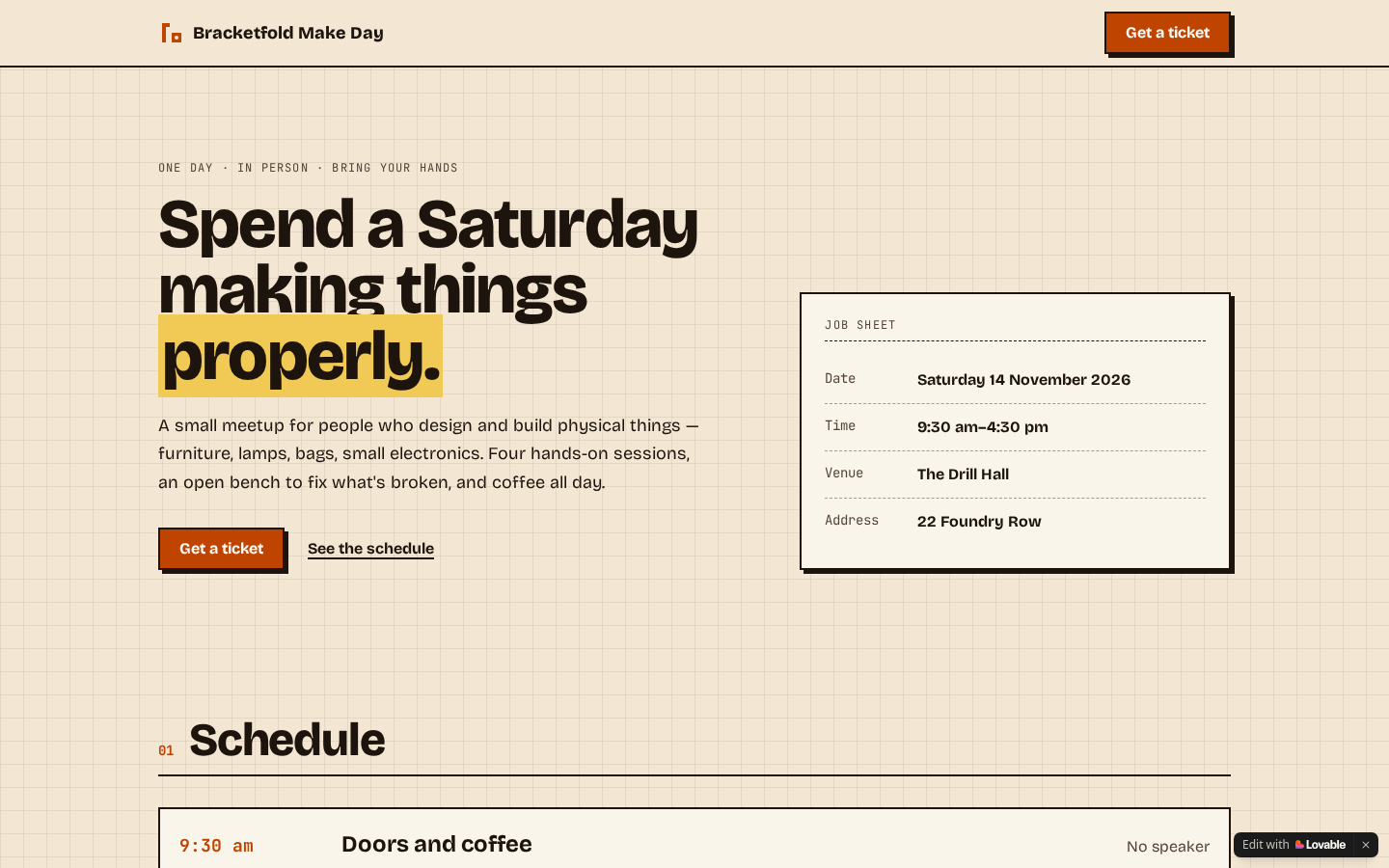 68.4
68.4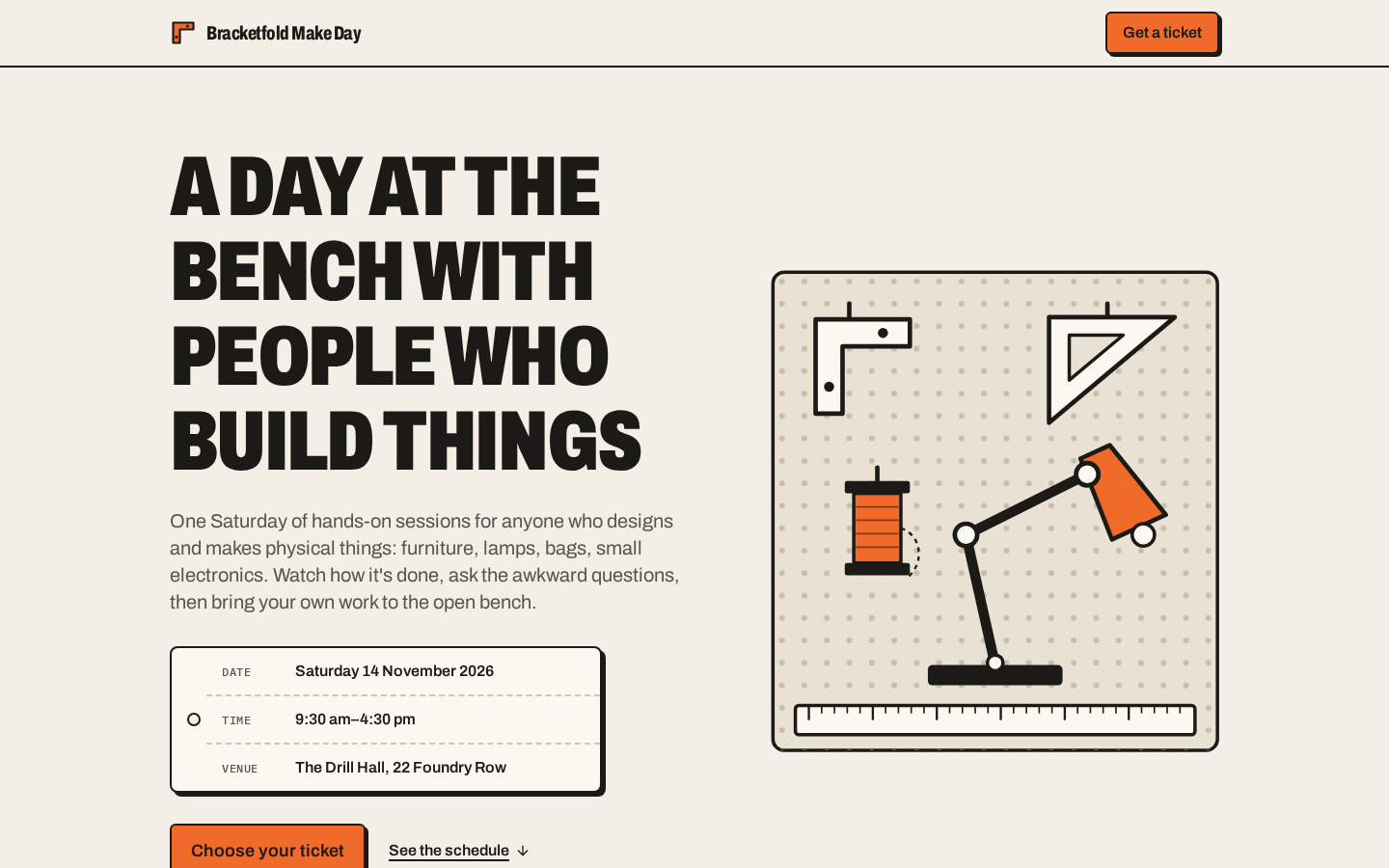 67.6
67.6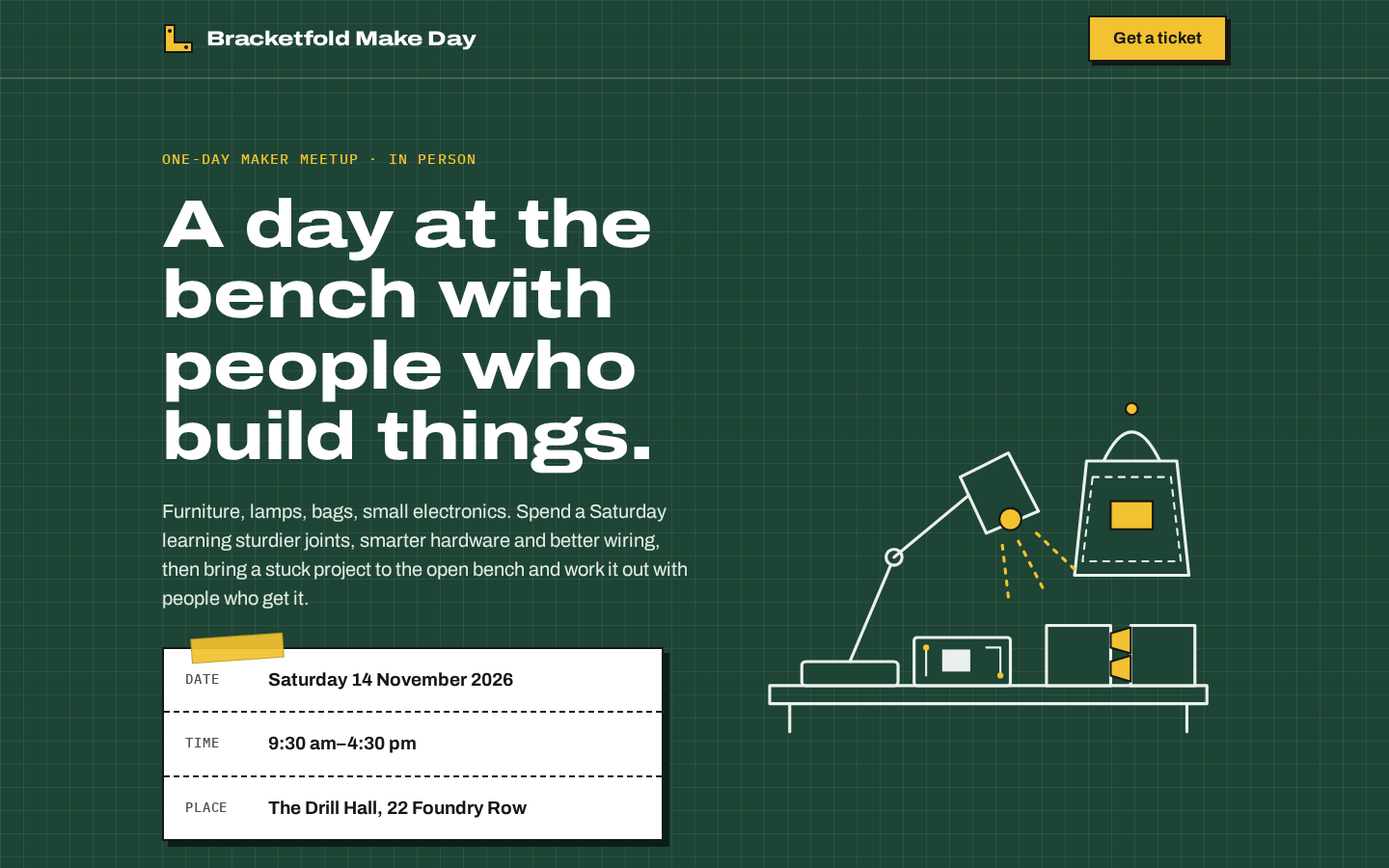 67.2
67.2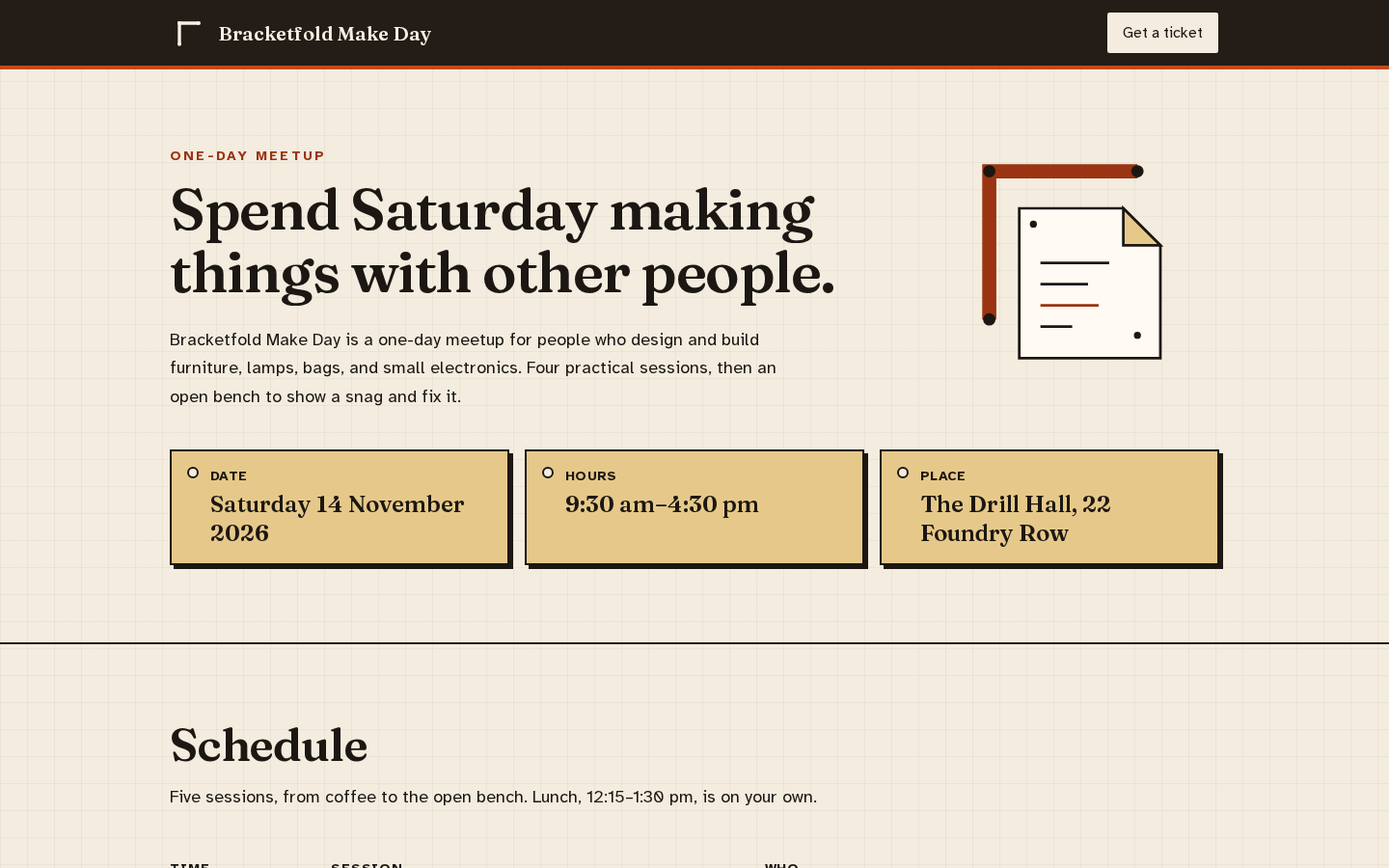 67.2
67.2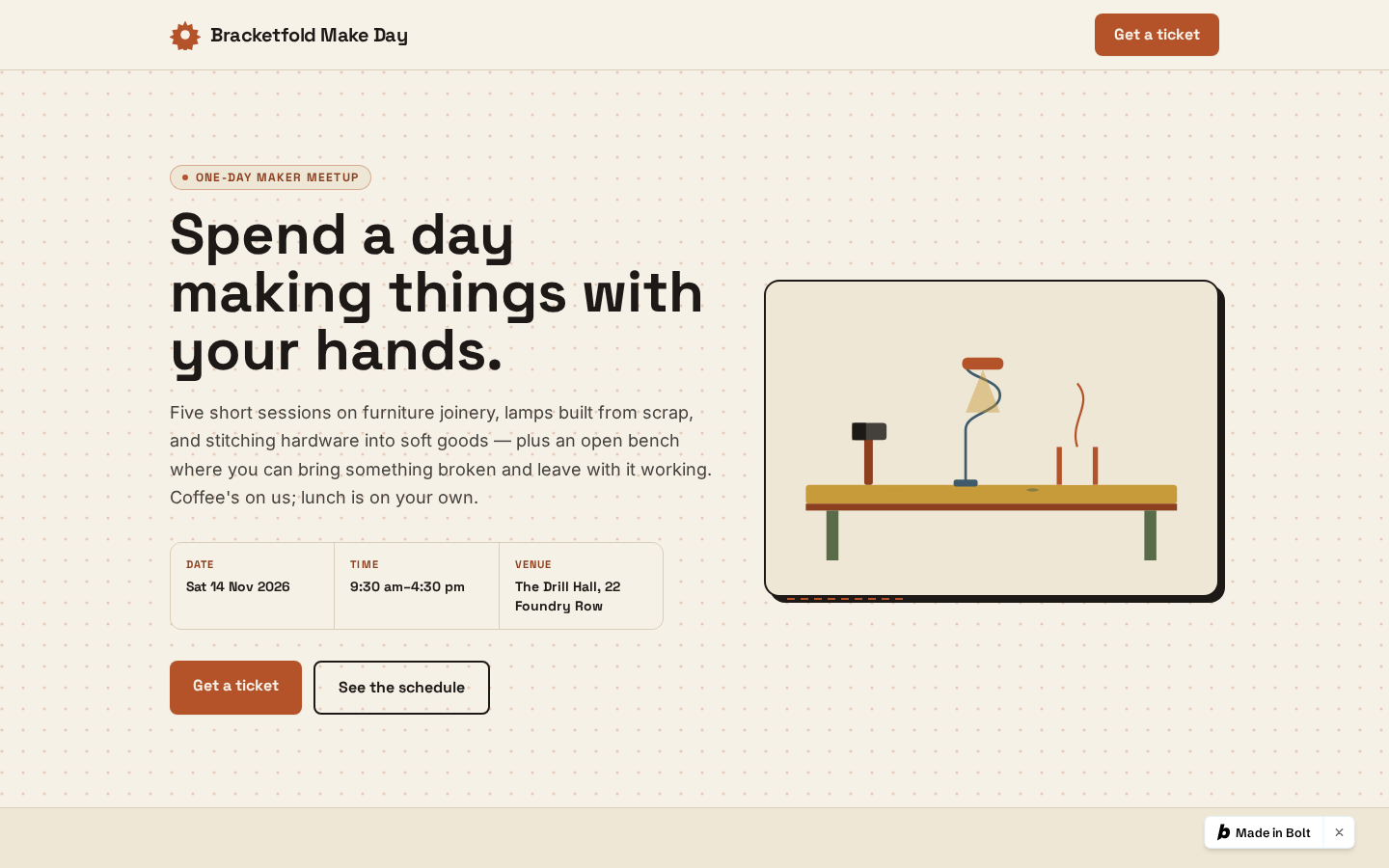 64.8
64.8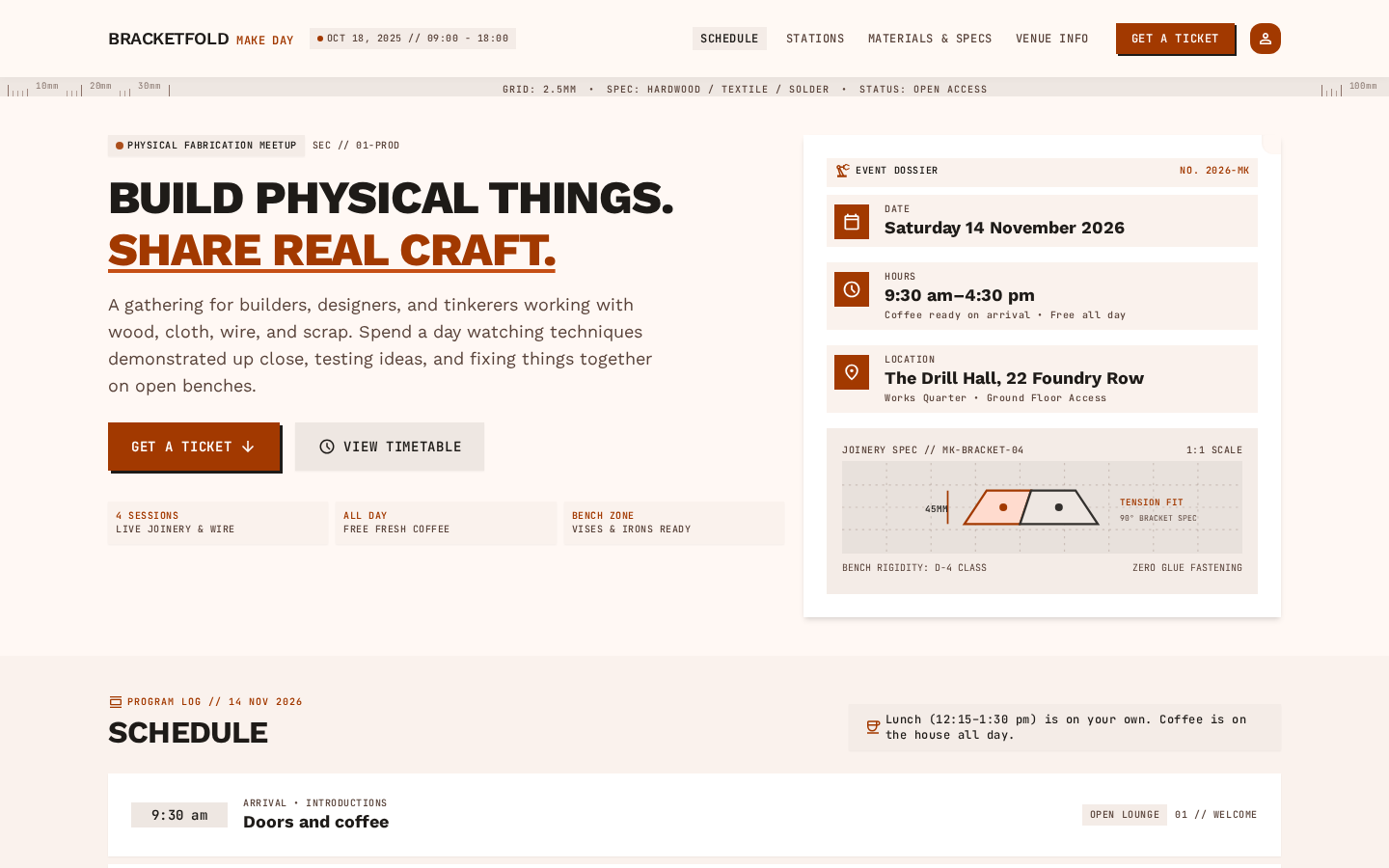 64.8
64.8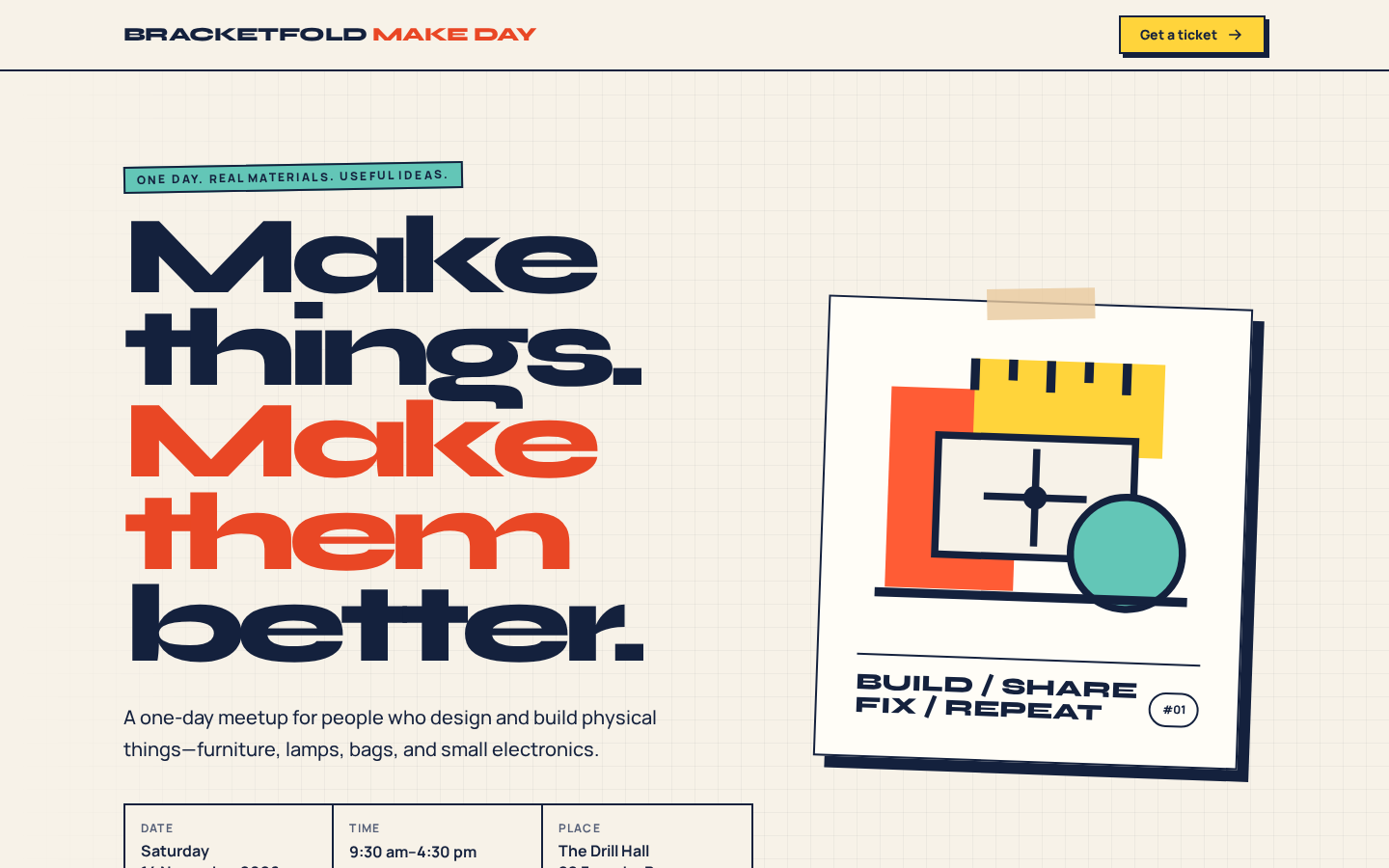 64.0
64.0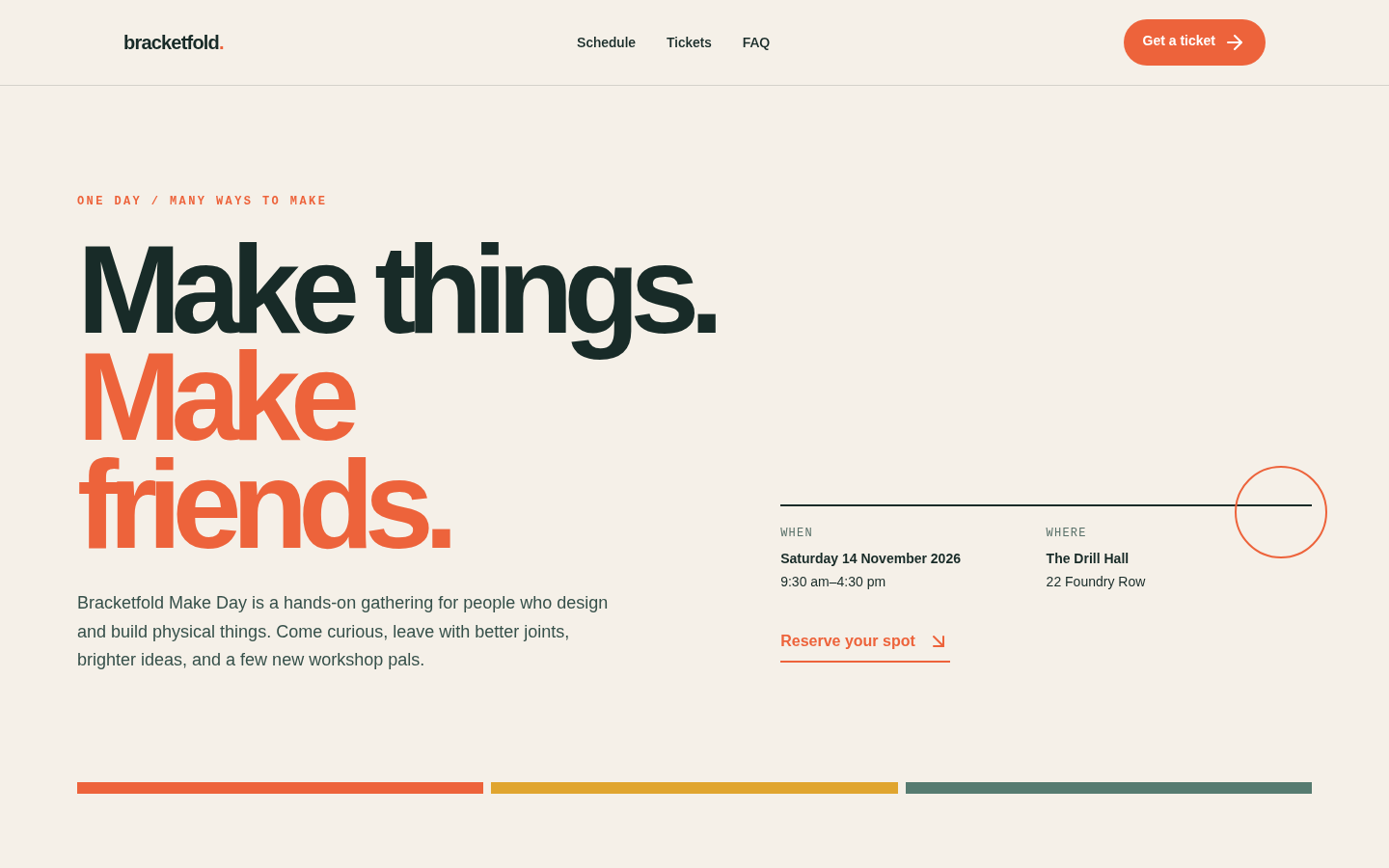 63.6
63.6
Race to done
Not scored. Time from submit until the tool finished. How we time it
Bar length is time to done · Cursor's bar is broken (//) to fit: real time 32m 41s
| Tool | Time to done |
|---|---|
| Figma Make | 1m 12s |
| v0 | 1m 39s |
| Lovable | 2m 18s |
| Google Stitch | 2m 55s |
| Magic Patterns | 4m 7s |
| Bolt | 4m 45s |
| Claude | 8m 55s |
| Cursor | 32m 41s |
Models · raw track
Same brief, one prompt, no tool around it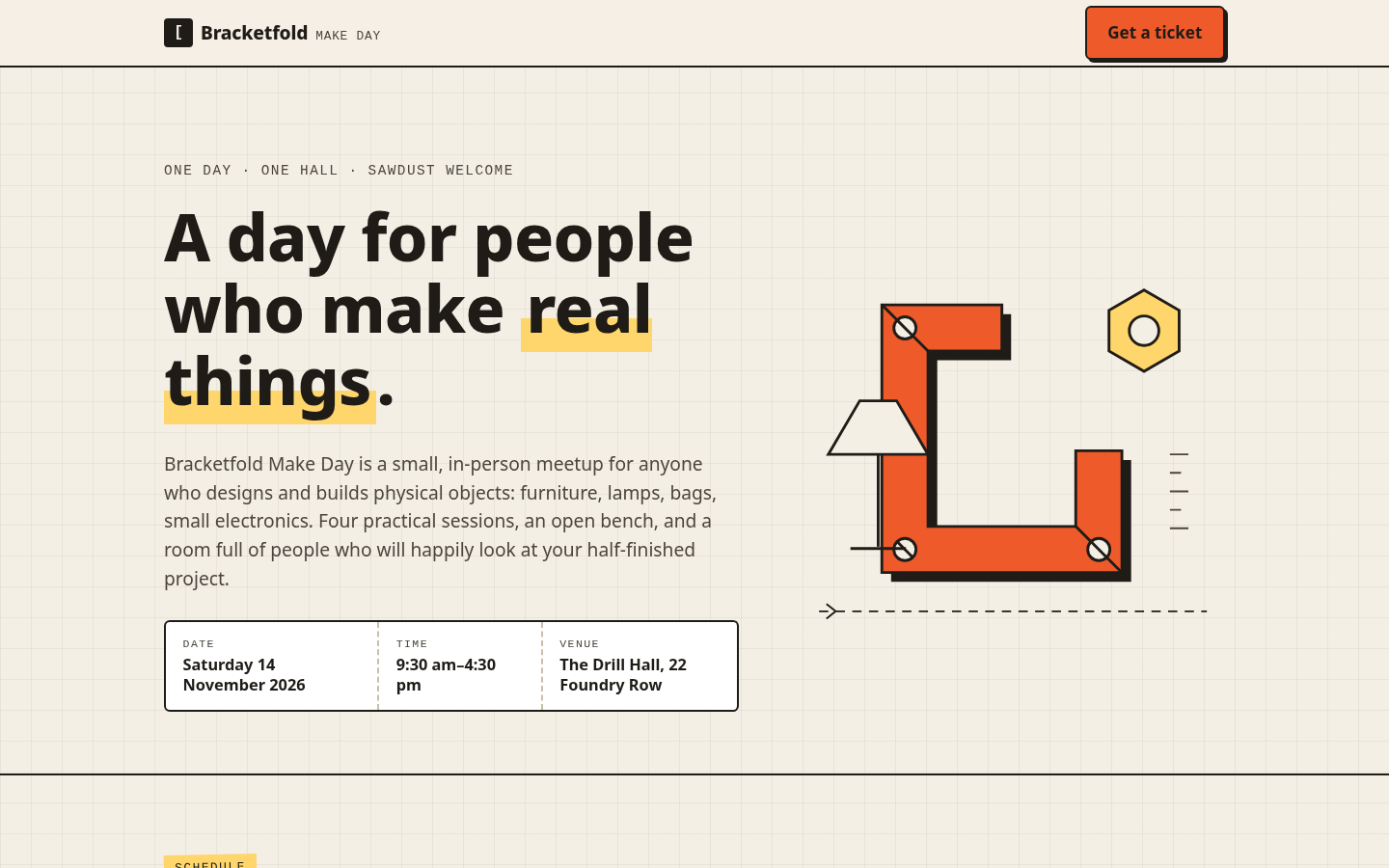 69.2
69.2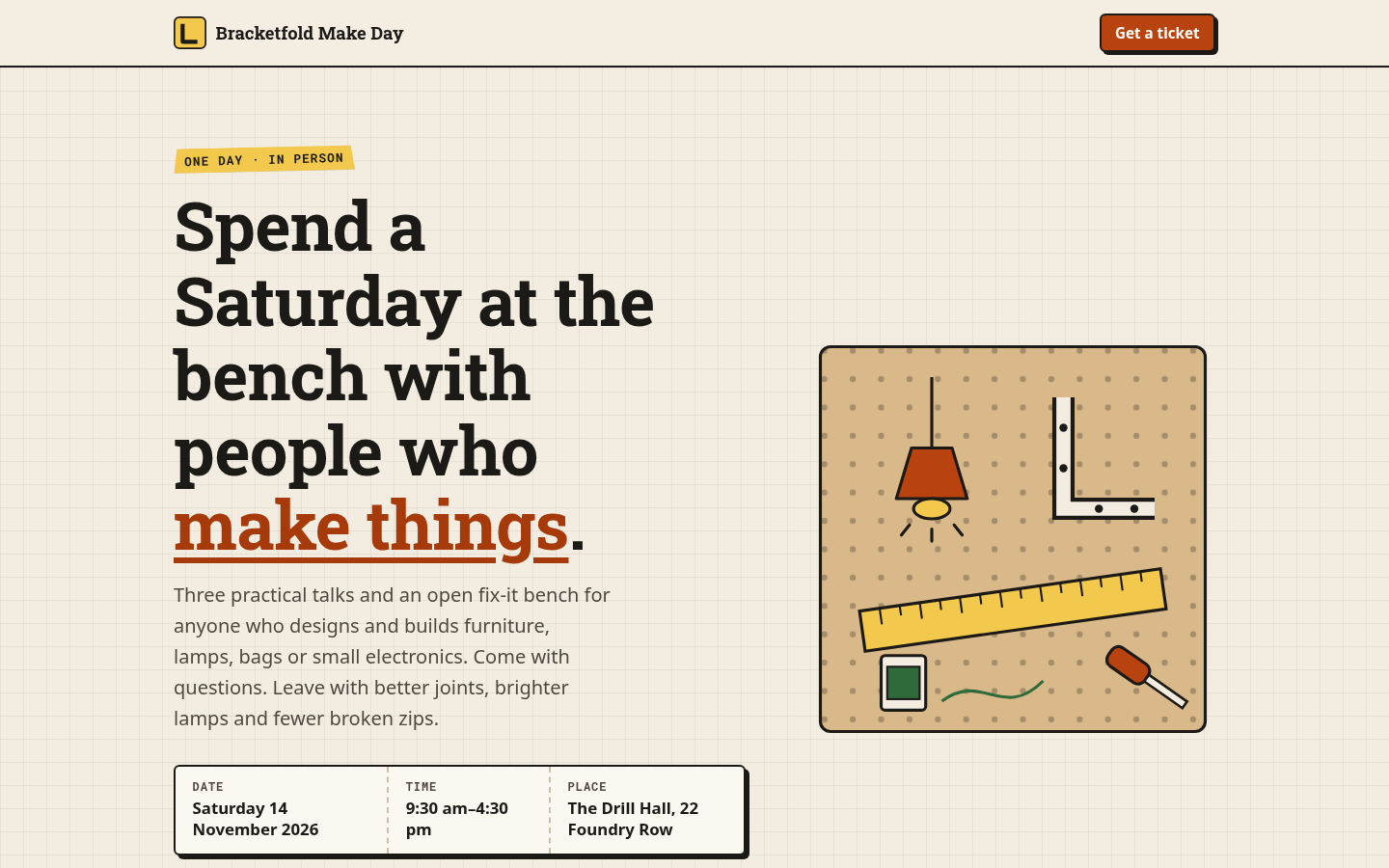 66.8
66.8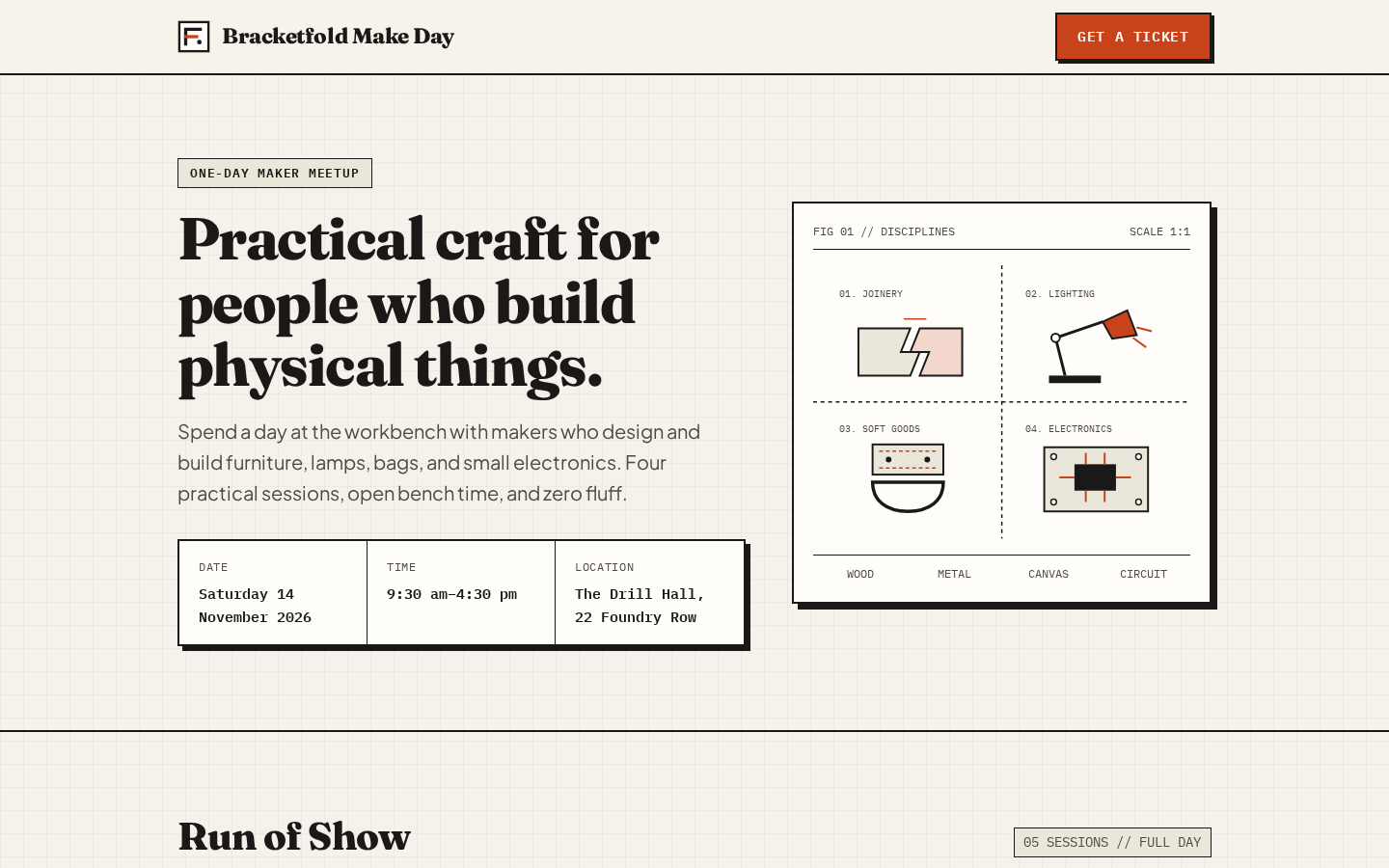 66.8
66.8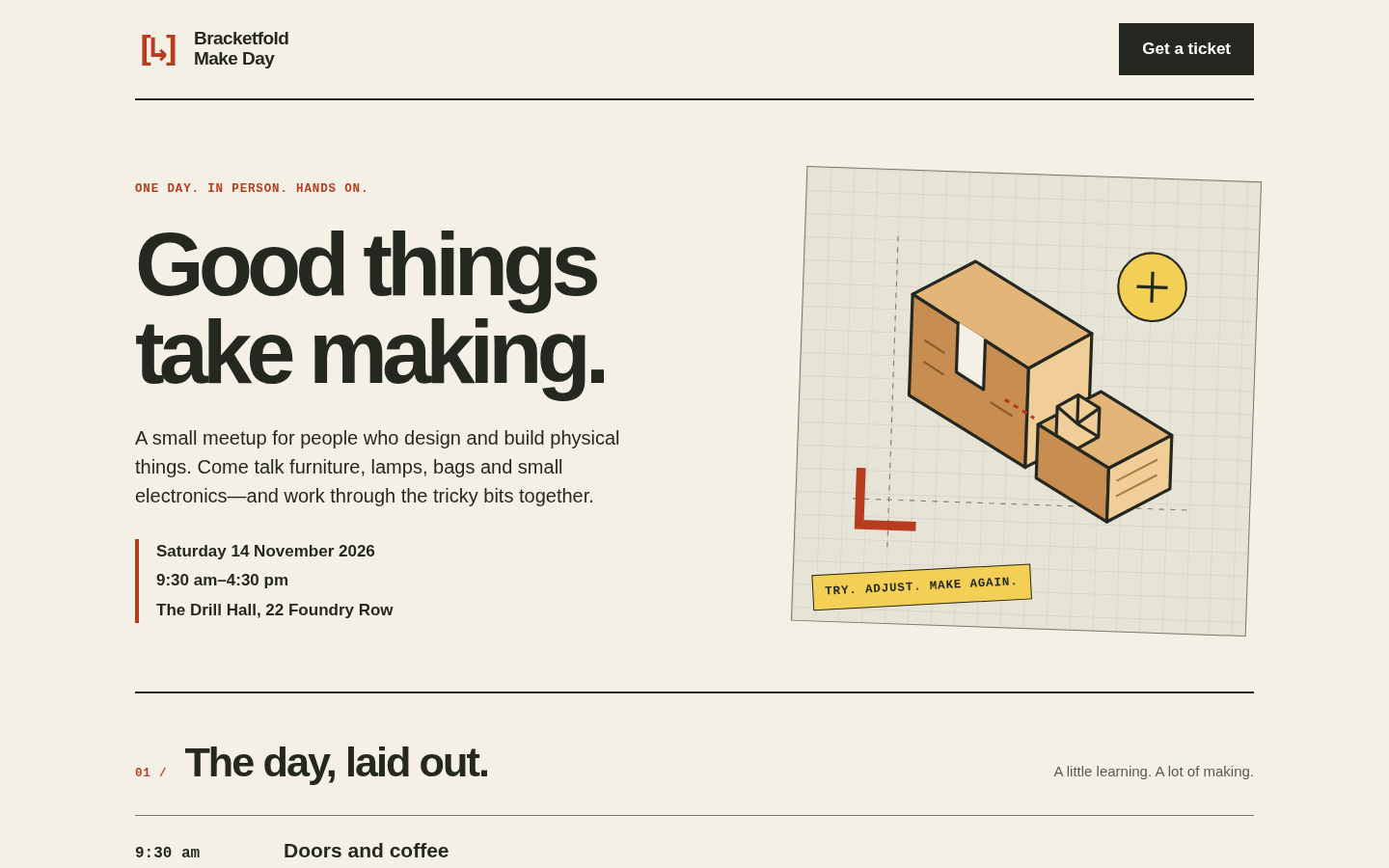 66.8
66.8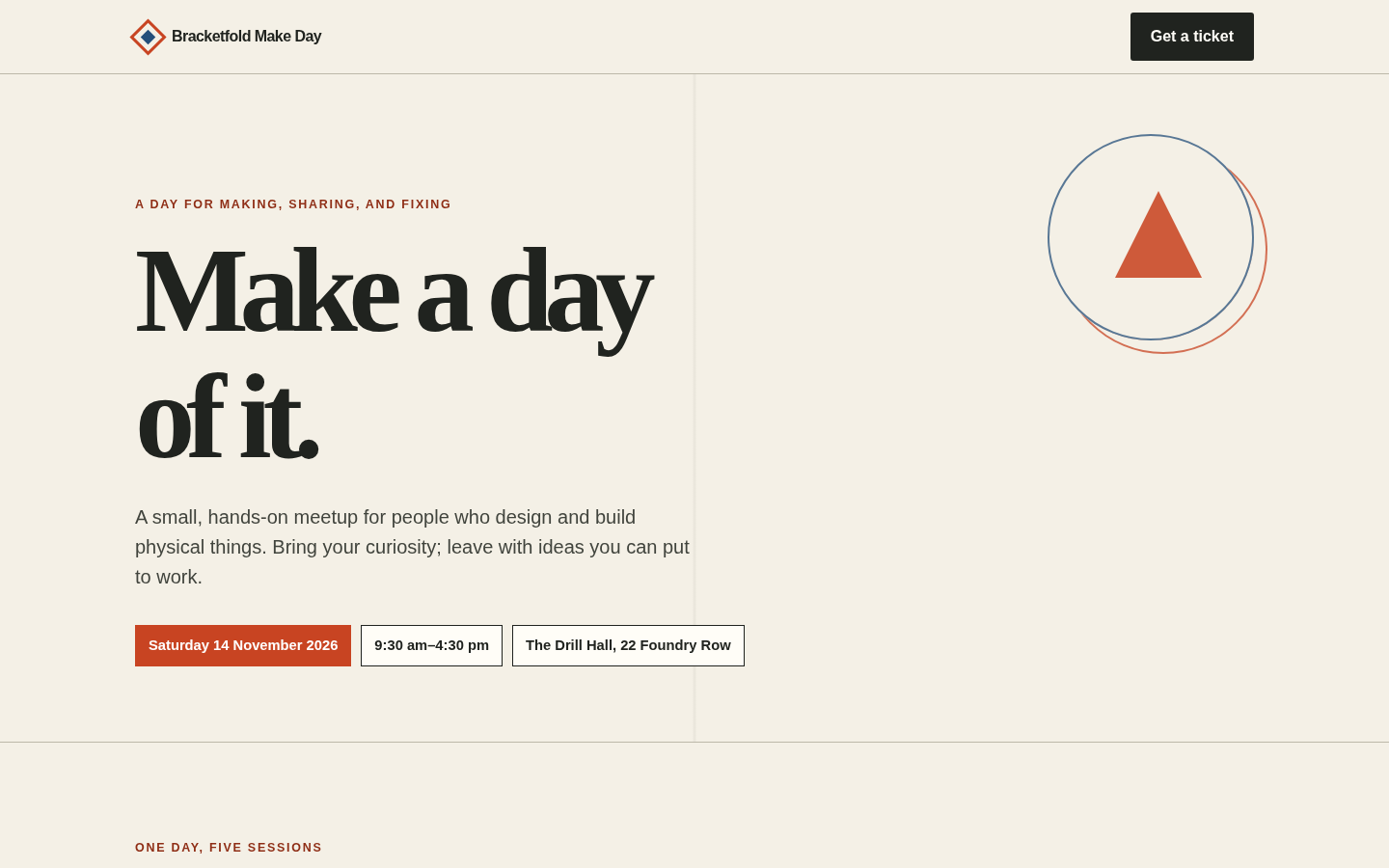 55.2
55.2